



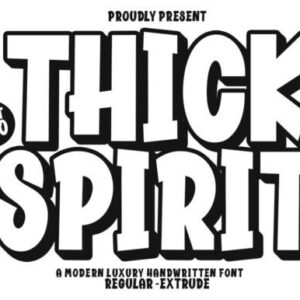
Description
Compatibility
- Windows
- Apple/Mac
- Linux
- Easily convert to webfont
 Cricut
- Silhouette
- Other cutting machines
 Cricut
 Silhouette
How to install fonts in Windows
To install the font follow these simple steps:
- Unpack the zip folder that you downloaded.
- Go to the folder with the fonts and search for the .OTF or .TTF file (we recommend you always install the OTF file if available).
- Double-click on the font as if you are opening an application.
- Now the font installation window will open.
- Click Install and wait till it’s done.
- That’s it! You have now installed a font.
If you want to use the font in an application, make sure you close the application completely and restart it after installing a new font. The font will not be visible otherwise, even though it installed correctly.


 250 Roller Skate Coloring Pages for Kdp
  Flowers Book & Wine Glass Coloring Pages
  300 Flowers and Butterfly Coloring Pages
  250 Owl Mandala Coloring Pages for Adult
  250 Sweet Cupcake Coloring Pages for Kdp
  250 Cute Garden Gnomes Coloring Pages
  5 Football Flyer Templates
  A Digital Art Making Course
  Angista Script Font
  Back to School Flyer Social Media Post
  Christmas Baking Line Icons Cozy SVG
  Collection of Star Icon Silhouettes
  Creative Marketing - Keynote Template
  Education Social Media Post Template
  Fashion - Instagram Story Template
  Vegetables - Instagram Story Template
  E-Book
  Free Coloring Pages for Kids
  Happy Christmas Coloring Pages Graphic
  Video Editing Course
  Barbie Font
  Beatday Font
 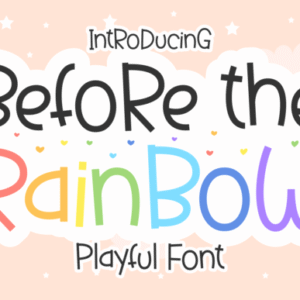 Before the Rainbow Font
Reviews
There are no reviews yet.