



Description
Compatibility
- Windows
- Apple/Mac
- Linux
- Easily convert to webfont
 Cricut
- Silhouette
- Other cutting machines
 Cricut
 Silhouette
How to install fonts in Windows
To install the font follow these simple steps:
- Unpack the zip folder that you downloaded.
- Go to the folder with the fonts and search for the .OTF or .TTF file (we recommend you always install the OTF file if available).
- Double-click on the font as if you are opening an application.
- Now the font installation window will open.
- Click Install and wait till it’s done.
- That’s it! You have now installed a font.
If you want to use the font in an application, make sure you close the application completely and restart it after installing a new font. The font will not be visible otherwise, even though it installed correctly.



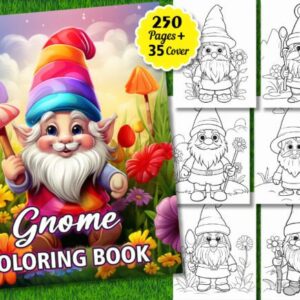
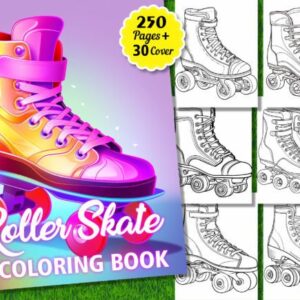 250 Roller Skate Coloring Pages for Kdp
 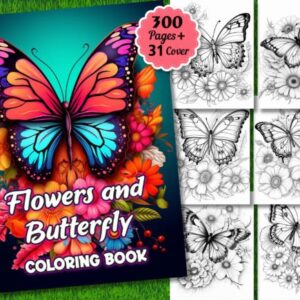 300 Flowers and Butterfly Coloring Pages
 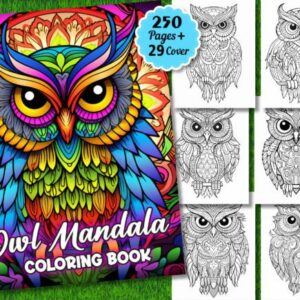 250 Owl Mandala Coloring Pages for Adult
  250 Cute Baby Dragon Coloring Pages Kids
  200 Monster Truck Coloring Pages
  5 Football Flyer Templates
  A Digital Art Making Course
  ABC Fruits – Kids Coloring Book
 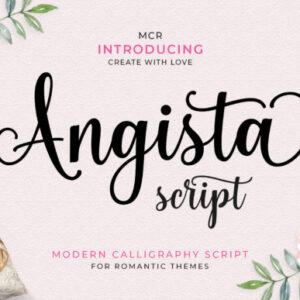 Angista Script Font
  Back to School Flyer Social Media Post
  Christmas Baking Line Icons Cozy SVG
  Collection of Star Icon Silhouettes
  Creative Marketing - Keynote Template
  Education Social Media Post Template
  Fashion - Instagram Story Template
  Vegetables - Instagram Story Template
  E-Book
  Free Coloring Pages for Kids
  Video Editing Course
  Barbie Font
Reviews
There are no reviews yet.